Instagram Reels captions: add subtitles to Reels
Add Reels captions people can read with the sound off: word-timed subtitles for Instagram Reels, placed in the safe part of the frame.
- 9:16 sizing
- Highlight and Box styles
- SRT and styled export
Real exports. Tap a style.
What this Reels captions tool does
SubtitlePop writes Reels captions from the speech in your video and burns them into the picture in the style you choose. Because the captions are part of the video, every viewer sees them — in the feed, in Stories and when the Reel is shared.
Upload the finished Reel, fix names and handles, pick a caption style and export the MP4. Captions for Reels up to 3 minutes fit in the free plan, and the same result also downloads as an SRT file for Facebook.
How to add subtitles to a Reel
Upload the Reel
The finished vertical video, before you post it.
Pick a style and position
Highlight is the default; move captions up if your Reel has text near the bottom.
Export and post
Choose Export → Video with captions, then upload the MP4 to Instagram as a new Reel. An SRT file is there too if you post the video on Facebook.
Where Instagram covers Reels captions
Instagram places the account name, caption and audio at the bottom of a Reel and the action buttons along the right edge. Captions sitting a third of the way up the frame stay clear of both. Instagram also offers auto-generated captions that viewers can turn on; captions in the video itself are visible to everyone and carry your style.
Reels captions that keep viewers
- Lead with the point. The first caption is what stops the scroll.
- Keep lines short. Two to four words read in a glance on a phone.
- Stay out of the bottom. Instagram draws the caption text, audio label and buttons over the lower part of a Reel.
- Match the mood. Highlight for talking to camera, Box for calm tutorials, Bold yellow for high energy.
One set of Reels captions for every placement
The same result can be posted as a Reel with captions burned in, uploaded to Facebook with an SRT, and reused for a Story. Export the MP4 for Reels and keep the subtitle file for platforms that accept one.
Caption styles for different kinds of Reels
Talking to camera
Highlight keeps a whole phrase on screen and shows which word is being said.
Tutorials and recipes
Box or Clean, in sentence case, so steps read like instructions.
Promos and hooks
Word pop or Bold yellow for a few seconds of high energy.
Languages and file types for Reels captions
| Supported | |
|---|---|
| Spoken languages | English, Spanish, Portuguese, French, German, Italian, Dutch, Polish, Turkish, Russian, Ukrainian, Arabic, Hindi, Indonesian, Vietnamese, Thai, Chinese, Japanese, Korean and more — or “Detect language” |
| Video | MP4, MOV, M4V, WebM, MKV |
| Audio | MP3, WAV, M4A, AAC, OGG |
| Subtitle exports | SRT, WebVTT, styled ASS, plain text with or without timestamps |
| Video export | MP4 with captions burned in — 720p on the free plan, up to 1080p on Starter and 4K on Pro |
Free plan and pricing for Reels captions
Starter is $7.99 a month for 60 minutes and exports without a watermark. A $5.99 pack adds 40 minutes that never expire.
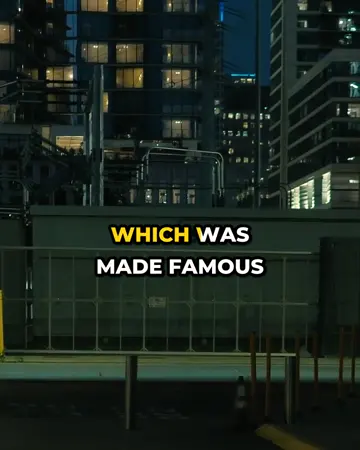
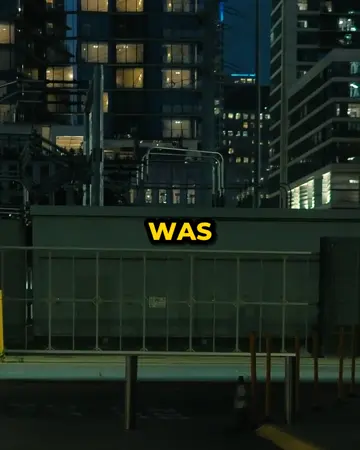
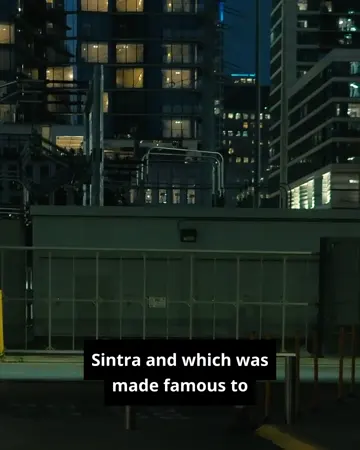
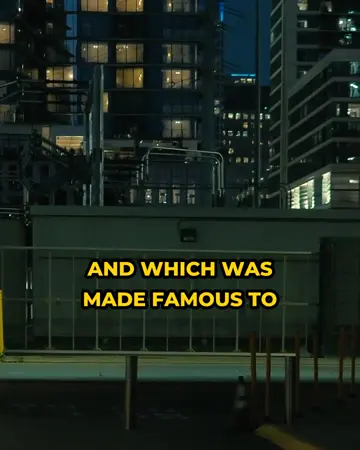
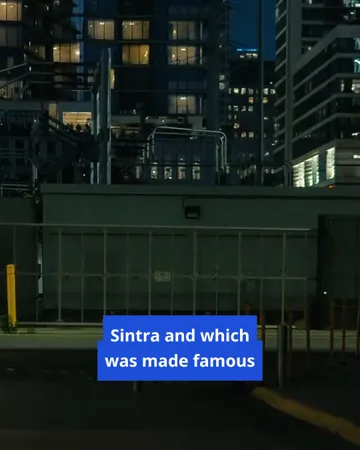
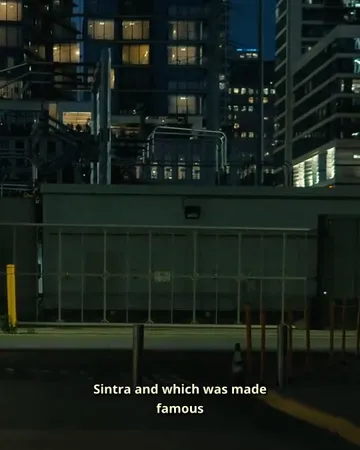
See each caption style on real footage
Pick a look, then change the size, position and line count. The preview is drawn by the same renderer that makes your export.


Instagram Reels captions FAQ
How do I add subtitles to an Instagram Reel?+
Upload the finished Reel to SubtitlePop, choose a caption style, correct any words, and export the MP4. Post the exported video to Instagram as a new Reel.
Does Instagram have automatic captions for Reels?+
Instagram offers auto-generated captions that viewers can turn on. Reels captions burned into the video are seen by everyone and keep your font and colours.
Are Instagram Reels captions free to make?+
A free SubtitlePop account includes 5 minutes of transcription every month, enough for several Reels. Free exports are 720p with a small mark; Starter exports 1080p without it for $7.99 a month.
What size is an Instagram Reel?+
An Instagram Reel is 9:16 vertical at 1080×1920 pixels. Caption size follows the frame, so 720p and 1080p uploads look the same.
Where should Reels captions be placed?+
Reels captions should sit about a third of the way up the frame, clear of the account name, caption text and audio label at the bottom and the buttons on the right edge.
Can I add subtitles to Instagram Stories with the same tool?+
Instagram Stories use the same vertical format, so a video captioned here can be posted as a Story as well as a Reel.
Related subtitle tools
TikTok captions
Add TikTok captions automatically: word-by-word caption styles sized for 9:16, kept clear of TikTok’s buttons. Edit every word, then export the MP4. Free.
Caption generator
Video caption generator with AI auto captions and word-by-word styles for Reels, TikTok and Shorts. Edit every caption, then export MP4 or SRT.
Bilingual subtitles
Make bilingual subtitles online: transcribe a video, translate the captions, and show both languages together. Export an MP4 or a two-line SRT or VTT file.
Caption styles
Twelve caption styles for TikTok, Reels and Shorts: word highlight, word pop, clean outline, boxes, neon, cinema and more. Preview each on your own video.