Transcribe video to text
A video to text converter that turns speech into a clean transcript — for show notes, articles, quotes or study — with timestamps if you want them.
- Plain text or timestamped
- Edit before you download
- Audio only is uploaded
Real exports. Tap a style.
What the video to text converter does
This video to text converter transcribes the speech in a video or audio recording and gives you the words as editable text. Each line is linked to its moment in the recording, so you can click a sentence, hear it again and correct it before downloading.
Transcribe a video for a blog post, pull quotes from an interview, or turn a lecture into notes. The video transcript downloads as plain text, text with timestamps, or as SRT and VTT subtitle files. Video transcription is free for 5 minutes a month, and only the audio is uploaded.
How to transcribe a video
Upload the recording
A video, a podcast episode, a voice memo or a lecture — MP4, MOV, WebM, MP3, WAV or M4A.
Read and correct
The transcript appears line by line, each line linked to its moment in the recording. Click to listen, type to correct.
Download the transcript
Choose “Transcript” for plain text or “Transcript with timestamps” to keep the time of each line. SRT and VTT are there too.
Video transcript or subtitles — from the same upload
The recognition gives every word a time, so the same result can be a transcript or a subtitle file. Use the timestamped transcript for show notes and research quotes; use SRT when you want the words on the video.
Example of the timestamped export:
[00:00.750] However, due to the slow communication channels,
[00:05.310] styles in the West could lag behind by 25 to 30 years.
Getting a more accurate video transcription
- Record close to the speaker; distance and room echo cost more accuracy than background noise.
- Choose the language when you know it — especially for short clips, where there is little speech to detect it from.
- Names and product terms are where recognition slips most; find and replace fixes every occurrence at once.
Measured word error rates for six languages are in the auto caption accuracy test.
What people use a video to text converter for
Show notes and articles
Turn a podcast episode or a talk into a blog post, newsletter or show notes without re-listening.
Quotes and research
Search an interview for the exact sentence, with a timestamp to jump back to the moment.
Study and meetings
Read a lecture or a recorded call instead of scrubbing through it.
Video SEO
Paste the transcript under a video or into the description so the content can be found by its words.
Transcribing a video by hand vs. automatically
Typing out speech takes most people four to six times the length of the recording: an hour of audio is an afternoon of pausing and rewinding. Automatic transcription returns a draft in a fraction of the recording’s length, and the work that remains is reading it through once and correcting names.
Because each line is tied to its place in the recording, checking a doubtful sentence is one click: the player jumps there and you hear it again.
Languages and file types the video to text converter supports
| Supported | |
|---|---|
| Spoken languages | English, Spanish, Portuguese, French, German, Italian, Dutch, Polish, Turkish, Russian, Ukrainian, Arabic, Hindi, Indonesian, Vietnamese, Thai, Chinese, Japanese, Korean and more — or “Detect language” |
| Video | MP4, MOV, M4V, WebM, MKV |
| Audio | MP3, WAV, M4A, AAC, OGG |
| Subtitle exports | SRT, WebVTT, styled ASS, plain text with or without timestamps |
| Video export | MP4 with captions burned in — 720p on the free plan, up to 1080p on Starter and 4K on Pro |
Free video to text plan and pricing
Starter is $7.99 a month for 60 minutes and exports without a watermark. A $5.99 pack adds 40 minutes that never expire.
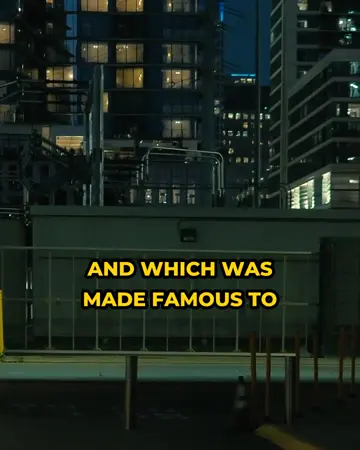
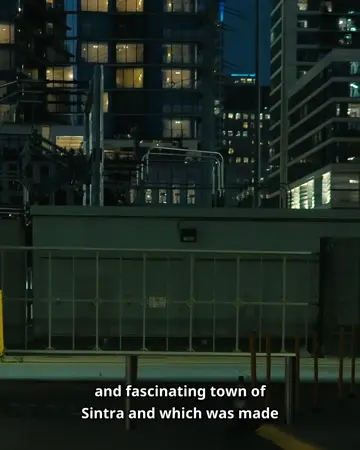
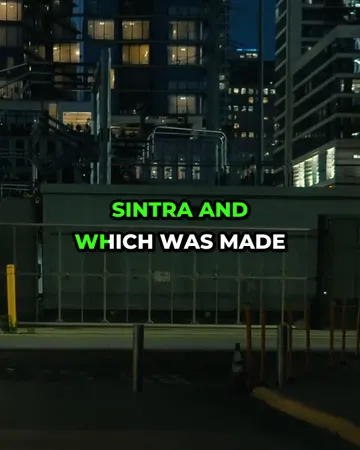
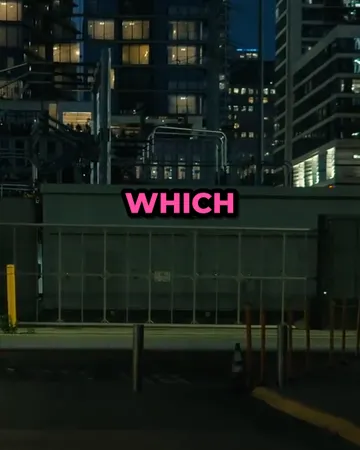
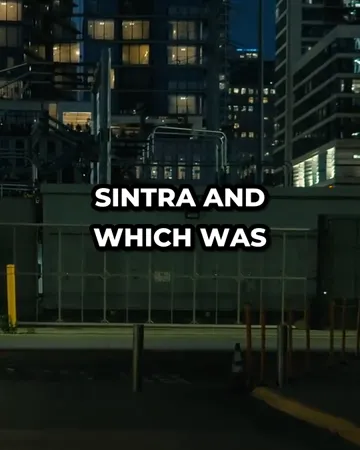
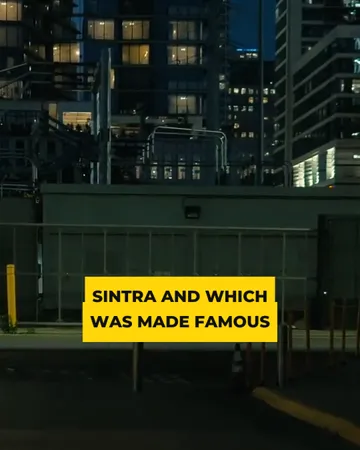
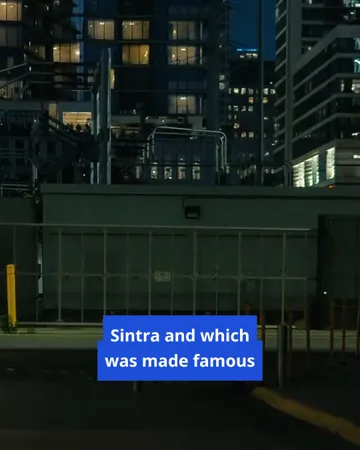
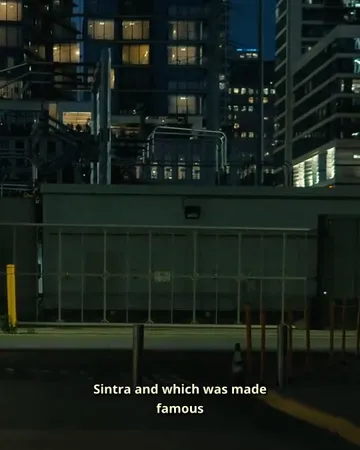
Turn the transcript into captions on the video
Pick a look, then change the size, position and line count. The preview is drawn by the same renderer that makes your export.
Video to text FAQ
Is the video to text converter free?+
A free SubtitlePop account includes 5 minutes of transcription every month, and the transcript can be downloaded as TXT, SRT or VTT on the free plan.
How do I transcribe a video to text?+
Upload the video, wait for the transcript to appear, correct any words, and choose Export → Transcript. Pick “Transcript with timestamps” to keep the time of each line.
Can the converter transcribe audio files to text?+
Audio files are transcribed the same way as video: MP3, WAV, M4A, AAC and OGG are all accepted.
Does the video transcript include timestamps?+
The video transcript can be exported with a timestamp at the start of every line, or as plain text without timestamps. SRT and VTT exports carry exact start and end times.
Does the transcript label different speakers?+
The transcript is written as one stream of text with timestamps. Speaker names can be added by editing the lines before export.
Which languages can be transcribed from video to text?+
Video to text transcription works for English, Spanish, Portuguese, French, German, Italian, Arabic, Hindi, Indonesian, Chinese, Japanese, Korean and more, with automatic language detection.
Can I transcribe a YouTube video to text?+
A YouTube video can be transcribed by uploading its video or audio file from your device. For your own videos, download the original from YouTube Studio and upload that file.
How long can a recording be for video transcription?+
Video transcription handles recordings up to 3 minutes on the free plan, 30 minutes on Starter and 60 minutes on Pro.
Related subtitle tools
Subtitle generator
Online subtitle generator for video and audio: generate subtitles automatically, edit them line by line, and download SRT, VTT, ASS or TXT. Free to start.
Subtitle translator
Subtitle translator for videos: transcribe the speech, translate the subtitles into 19 languages with timing unchanged, edit any line, export SRT or MP4.
SRT to TXT
Free SRT to TXT converter: remove numbers and timestamps from an SRT file and keep clean text for transcripts, show notes or blog posts. Runs in your browser.
SRT generator
Free SRT generator: upload a video or audio file, get automatic subtitles with timing, fix any line, and download a clean .srt file for YouTube or your editor.