Subtitle generator
A subtitle generator that turns the speech in any video or audio file into an accurate, editable subtitle file — SRT for YouTube and editors, VTT for the web.
- Word-timed lines
- SRT, VTT, ASS and TXT
- Video stays on your device
Real exports. Tap a style.
What is a subtitle generator?
A subtitle generator is a tool that transcribes the speech in a video and times each line, so you get a finished subtitle file instead of typing text and timecodes by hand. SubtitlePop’s video subtitle generator works in the browser: upload a file, and it returns subtitles split at natural pauses, with every word timed.
Use it to generate subtitles for YouTube videos, lessons, interviews, podcasts and social clips. You can correct any line in the editor, then download SRT, WebVTT, styled ASS or a plain transcript. The free plan includes 5 minutes a month and subtitle downloads.
How to generate subtitles for a video
Upload the video or audio
MP4, MOV, WebM, MKV, MP3, WAV or M4A. Pick the spoken language or leave it on “Detect language”.
Review the subtitle lines
Lines are split at pauses and sentence ends and sized to fit the frame. Click a line to play it and type to correct it.
Download the subtitle file
Export SRT for YouTube and video editors, VTT for web players, or ASS to keep the styling.
A subtitle generator that writes readable subtitles
Good subtitles are more than a transcript cut into pieces.
Split where people pause
A new line starts at the end of a sentence or a natural pause rather than in the middle of a phrase, and stays on screen long enough to read.
Sized to the video
Line length is measured in the caption font at your video’s resolution, so subtitles on a vertical phone video and a 16:9 lecture both fit.
Sentence case kept
Lines that continue a sentence start in lower case; new sentences start with a capital — the way subtitle style guides expect.
Where to use the generated subtitle files
| Platform or tool | File | Where to add it |
|---|---|---|
| YouTube | SRT | YouTube Studio → Subtitles → Add language → Upload file → With timing |
| Premiere Pro | SRT | File → Import, then drag the captions onto the timeline |
| DaVinci Resolve | SRT | Media Pool → Import Subtitle |
| Your website | VTT | <track kind="captions" src="captions.vtt"> inside <video> |
| VLC and mpv | SRT or ASS | Same name as the video, in the same folder |
What makes a good subtitle
Subtitle style guides agree on a few rules, and the generator follows them by default:
- Two lines at most. Three lines cover too much of the picture.
- Short lines. Netflix’s English guide allows 42 characters a line; on a vertical phone video far fewer fit, so lines are measured against your actual frame.
- Break at natural points. After punctuation or before a new clause — never between an article and its noun.
- Enough time to read. A subtitle should stay up for most of a second at minimum; tiny gaps between subtitles are closed so they don’t flicker.
Already have a file and want to check it against these rules? Use the free subtitle checker.
After you generate subtitles
Fix names once
Recognition slips most on names and product terms. Find and replace corrects every occurrence across the video.
Re-time a line
Each subtitle shows its start and end time. Type a new time or split and merge lines until the rhythm feels right.
Keep working later
Your edits are saved in this browser for the same file, so you can close the tab and pick up where you left off.
Languages and file types the subtitle generator supports
| Supported | |
|---|---|
| Spoken languages | English, Spanish, Portuguese, French, German, Italian, Dutch, Polish, Turkish, Russian, Ukrainian, Arabic, Hindi, Indonesian, Vietnamese, Thai, Chinese, Japanese, Korean and more — or “Detect language” |
| Video | MP4, MOV, M4V, WebM, MKV |
| Audio | MP3, WAV, M4A, AAC, OGG |
| Subtitle exports | SRT, WebVTT, styled ASS, plain text with or without timestamps |
| Video export | MP4 with captions burned in — 720p on the free plan, up to 1080p on Starter and 4K on Pro |
Free subtitle generator plan and pricing
Starter is $7.99 a month for 60 minutes and exports without a watermark. A $5.99 pack adds 40 minutes that never expire.
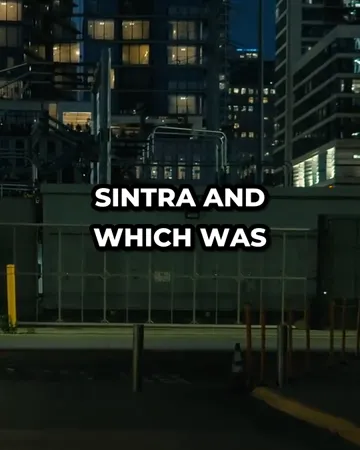
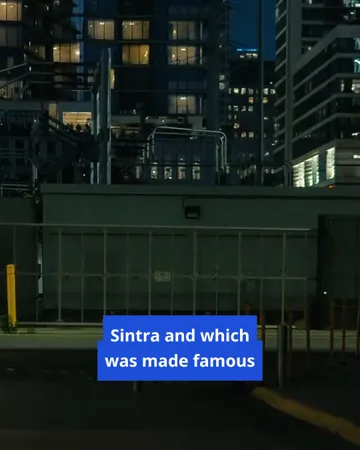
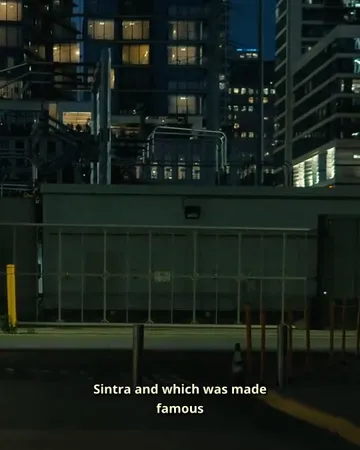
Subtitle styles for burned-in subtitles
Pick a look, then change the size, position and line count. The preview is drawn by the same renderer that makes your export.

Subtitle generator FAQ
Is the subtitle generator free to use?+
A free SubtitlePop account includes 5 minutes of transcription every month, and SRT, VTT, ASS and TXT downloads are part of the free plan. One clip of up to one minute can be tried without signing in.
How do I generate subtitles for a video?+
Upload the video to the subtitle generator, choose the spoken language or leave it on “Detect language”, review the lines in the editor, and download the subtitle file. A one-minute video is usually ready in well under a minute.
Can the subtitle generator make subtitles from an audio file?+
The subtitle generator accepts audio files as well as video: upload MP3, WAV, M4A, AAC or OGG and you get the same editor and the same subtitle files.
Which subtitle formats can I download?+
Subtitles can be downloaded as SRT, WebVTT (VTT), styled ASS, or plain text with or without timestamps. SRT is the right choice for YouTube, Facebook, LinkedIn and video editors; VTT is for web players.
Can I edit the generated subtitles?+
Generated subtitles are fully editable: change any word, type new start and end times, split or merge lines, and run find-and-replace across the whole video. Undo works for every change.
What is the difference between subtitles and captions?+
Subtitles carry the spoken dialogue, often for viewers who don’t speak the language, while closed captions also describe sounds such as “[door slams]” for viewers who can’t hear them. The subtitle generator writes the spoken words; sound descriptions can be added by editing a line.
How long can a video be in the subtitle generator?+
The subtitle generator handles videos up to 3 minutes on the free plan, 30 minutes on Starter and 60 minutes on Pro.
Does the subtitle generator translate subtitles into other languages?+
The subtitle generator writes subtitles in the language spoken in the video, and the built-in subtitle translator turns them into 19 other languages with the timing unchanged. The translation can be exported alone or under the original as bilingual subtitles.
Related subtitle tools
SRT generator
Free SRT generator: upload a video or audio file, get automatic subtitles with timing, fix any line, and download a clean .srt file for YouTube or your editor.
Video to text
Transcribe video to text online: upload a video or audio file, check the transcript, and download TXT with or without timestamps, or SRT. Free to start.
Subtitle translator
Subtitle translator for videos: transcribe the speech, translate the subtitles into 19 languages with timing unchanged, edit any line, export SRT or MP4.
SRT to VTT
Free SRT to VTT converter: convert SRT subtitles to WebVTT for HTML5 video and web players in one step. Runs in your browser — the file is never uploaded.