SRT generator
An SRT generator that makes an .srt file from any video without typing a single timecode: upload, check the lines, download.
- Standard SRT output
- Timing from each word
- Video stays on your device
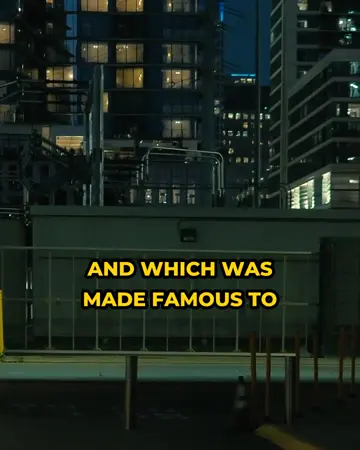
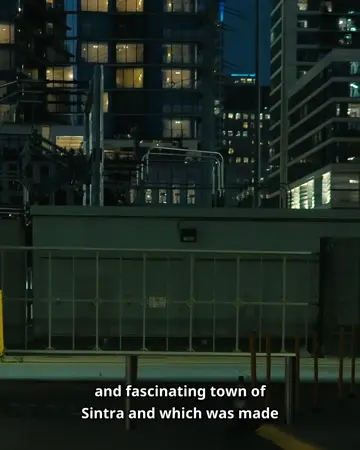
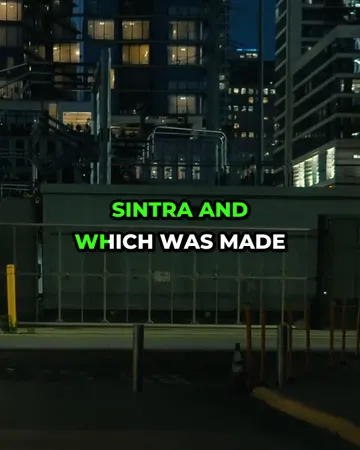
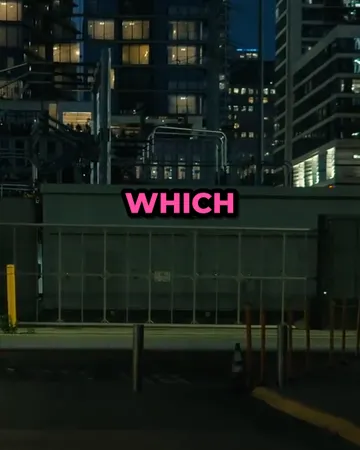
Real exports. Tap a style.
What the SRT generator does
The SRT generator transcribes the speech in your video and writes a standard SRT file: numbered subtitles, each with a start and end time. It works as an SRT file generator for YouTube uploads, Premiere Pro and DaVinci Resolve projects, LinkedIn and Facebook videos, and any player that reads .srt.
You can edit the text and the timestamps before downloading. SRT files are free to create for 5 minutes of video a month, and the export is UTF-8 with correct numbering and comma milliseconds.
How to create an SRT file
Upload the video
The audio is extracted in your browser and transcribed with timings for every word.
Check the lines
Each subtitle shows its start and end time; change the text or the times directly.
Export SRT
Choose Export → Subtitle file (.srt). The file is numbered, uses comma milliseconds and UTF-8 text.
What an SRT file looks like
An SRT file is plain text: a number, a time range, the subtitle text, then a blank line.
1
00:00:00,750 --> 00:00:05,310
However, due to the slow
communication channels,

2
00:00:05,310 --> 00:00:08,830
styles in the West could lag behind
The hours, minutes and seconds are separated by colons and the milliseconds by a comma. Lines are kept short: Netflix’s English style guide caps a line at 42 characters, and two lines per subtitle is the usual maximum.
Where to use the SRT file
| Destination | How |
|---|---|
| YouTube | YouTube Studio → Subtitles → Add language → Upload file → With timing |
Name the file video.en_US.srt and upload it under Captions when you post | |
| When posting a video, choose Edit → select the SRT under captions | |
| Premiere Pro | File → Import, then drag the caption item to the timeline |
| DaVinci Resolve | Right-click in the Media Pool → Import Subtitle |
| VLC | Give the SRT the same name as the video and keep them in one folder |
Common SRT file mistakes the SRT generator avoids
- Wrong separator. SRT uses a comma before milliseconds (
00:00:05,310); a dot is VTT. The export always writes commas. - Missing blank lines. Each caption must end with an empty line, or players merge them.
- Overlapping times. A caption that starts before the last one ends shows both at once. Generated captions never overlap.
- Wrong encoding. Files saved as ANSI lose accents. The export is UTF-8.
Have an SRT from somewhere else? The subtitle checker finds and fixes these problems.
Languages and file types the SRT generator supports
| Supported | |
|---|---|
| Spoken languages | English, Spanish, Portuguese, French, German, Italian, Dutch, Polish, Turkish, Russian, Ukrainian, Arabic, Hindi, Indonesian, Vietnamese, Thai, Chinese, Japanese, Korean and more — or “Detect language” |
| Video | MP4, MOV, M4V, WebM, MKV |
| Audio | MP3, WAV, M4A, AAC, OGG |
| Subtitle exports | SRT, WebVTT, styled ASS, plain text with or without timestamps |
| Video export | MP4 with captions burned in — 720p on the free plan, up to 1080p on Starter and 4K on Pro |
Free SRT generator plan and pricing
Starter is $7.99 a month for 60 minutes and exports without a watermark. A $5.99 pack adds 40 minutes that never expire.
Or burn the subtitles into the video
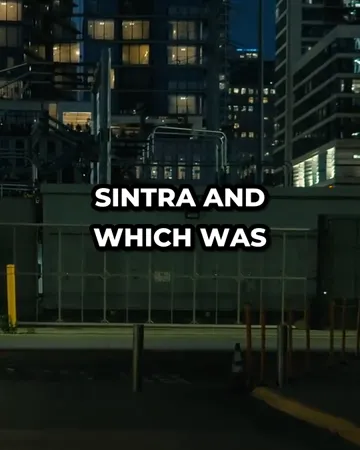
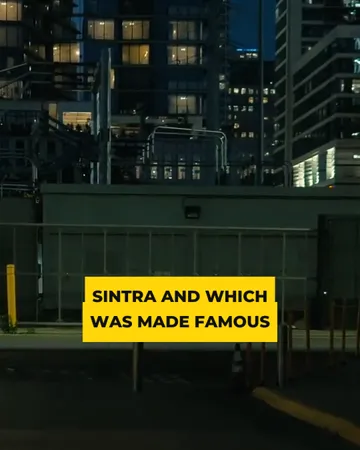
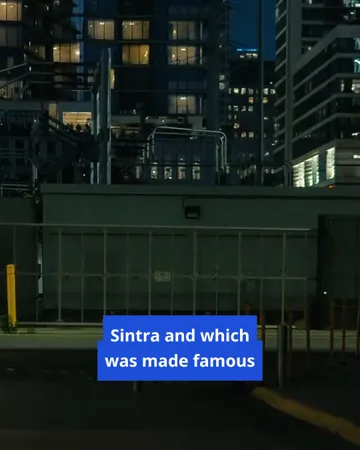
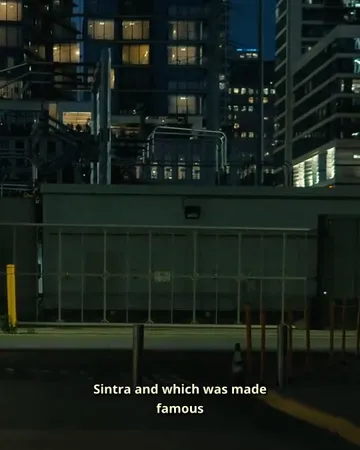
Pick a look, then change the size, position and line count. The preview is drawn by the same renderer that makes your export.
SRT generator FAQ
Is the SRT generator free?+
A free SubtitlePop account includes 5 minutes of transcription every month, and SRT downloads are included in the free plan.
How do I create an SRT file from a video?+
Upload the video to the SRT generator, review the subtitles, and choose Export → Subtitle file (.srt). The audio is transcribed with a start and end time for every line.
Can the SRT generator make an SRT file from audio only?+
The SRT generator accepts audio as well as video: upload MP3, WAV or M4A and the SRT file is created the same way.
Can I edit the timestamps in the SRT file before downloading?+
Start and end times can be typed directly for every subtitle, and lines can be split, merged or shifted together before the SRT file is downloaded.
Is the generated SRT file encoded in UTF-8?+
The generated SRT file is saved as UTF-8, so accents and non-Latin scripts display correctly on YouTube, in video editors and in players.
How do I convert an SRT file to VTT or plain text?+
An SRT file converts to WebVTT with the free SRT to VTT converter and to plain text with the SRT to TXT converter. VTT and TXT can also be exported directly from the editor.
Related subtitle tools
Subtitle generator
Online subtitle generator for video and audio: generate subtitles automatically, edit them line by line, and download SRT, VTT, ASS or TXT. Free to start.
Subtitle translator
Subtitle translator for videos: transcribe the speech, translate the subtitles into 19 languages with timing unchanged, edit any line, export SRT or MP4.
SRT to VTT
Free SRT to VTT converter: convert SRT subtitles to WebVTT for HTML5 video and web players in one step. Runs in your browser — the file is never uploaded.
Subtitle time shift
Fix out-of-sync subtitles: shift every caption in an SRT, VTT, ASS or SBV file earlier or later by any number of seconds. Free subtitle sync, in your browser.