Caption styles
Twelve caption styles for short videos, each shown here on real footage. Pick a caption style in the editor and see it on your own video; every style can be resized, moved, recoloured and set to one, two or three lines.
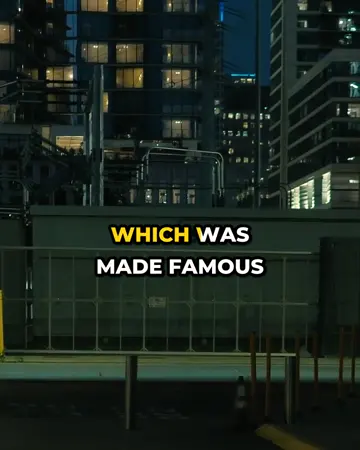
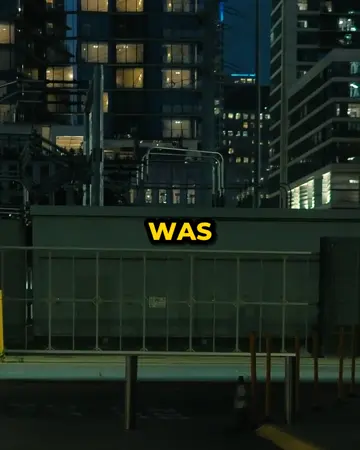
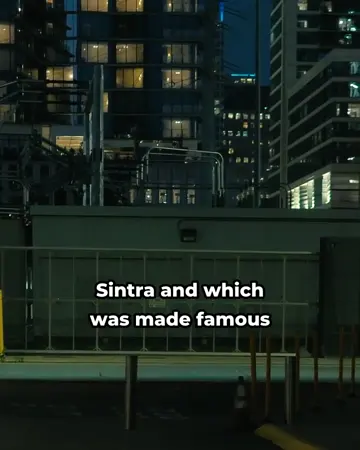
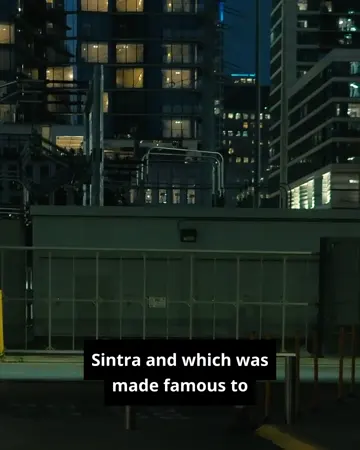
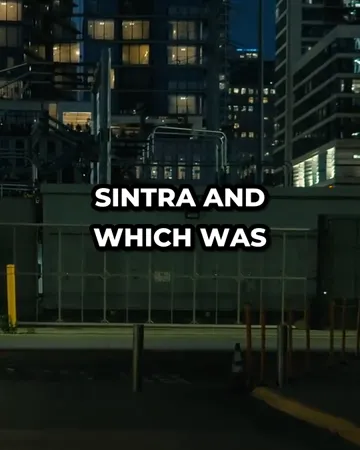
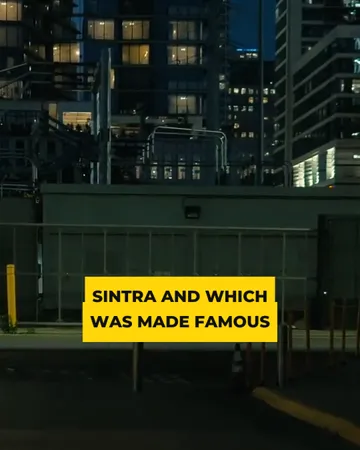
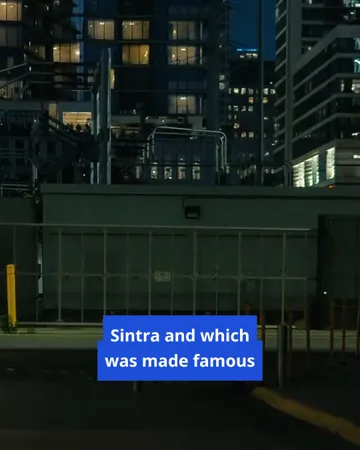
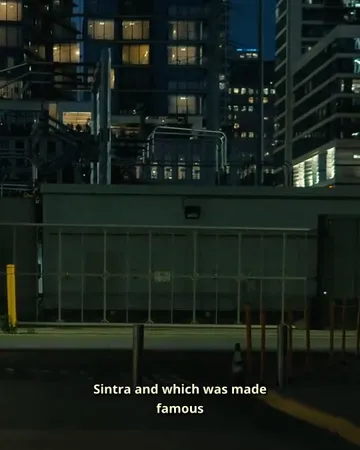
Highlight caption style
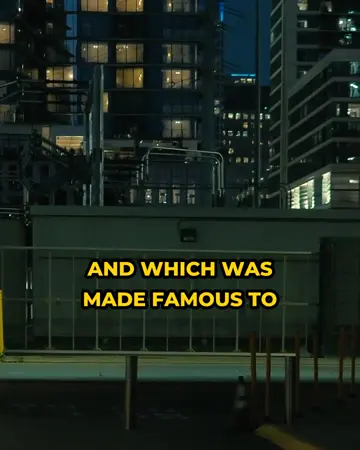
All the words of a caption on screen, with the word being spoken in yellow. It uses the start and end time of every word, so the highlight follows the voice — the style most short-form talking videos use.
Word pop caption style
One word at a time, scaling in as it’s said. High energy, best for hooks and fast speech. Long sentences become a quick sequence of single words.
Clean caption style
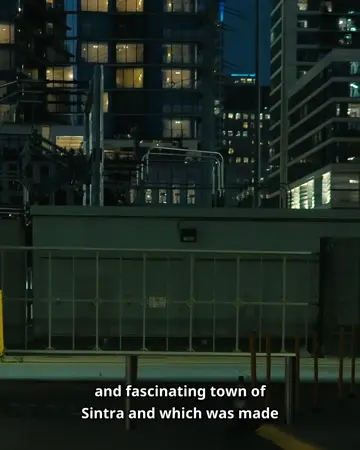
White text with a black outline: readable on any background and calm enough for interviews and tutorials.
Box caption style
White text on a dark, semi-transparent box — the broadcast look, and the most readable over busy or bright footage.
Minimal caption style
Small text with a soft shadow, low in the frame. For landscape videos where the picture matters more than the words.
Bold yellow caption style
All-caps yellow with a heavy outline — loud, simple, and readable at small sizes.
Neon caption style
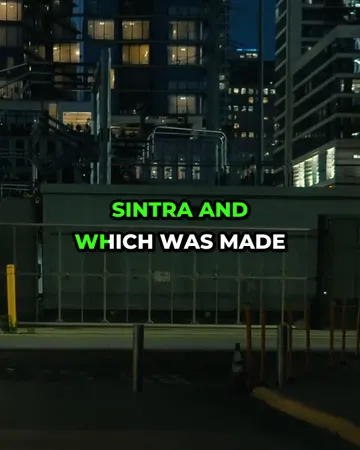
The Highlight layout with a bright green spoken word — the same follow-the-voice effect for clips that want more colour.
Pink pop caption style
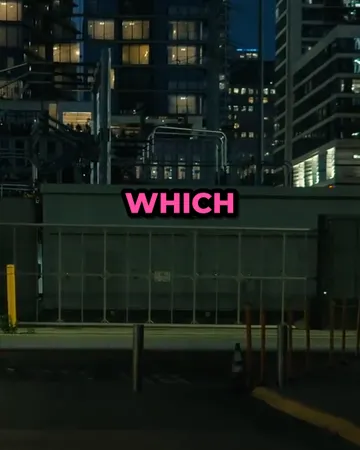
One word at a time in hot pink. The Word pop rhythm with a colour that stands out on dark and outdoor footage alike.
Big bold caption style
Large white capitals with a heavy outline and shadow, two lines at a time. For short statements that should fill the frame.
Yellow box caption style
Dark capitals on a solid yellow panel. Hard to miss, and legible over any background.
Blue box caption style
White text on a blue panel — the Box layout in a colour that suits explainers, news-style clips and screen recordings.
Cinema caption style
Small warm-white text with a soft shadow at the very bottom of the frame, the way films and series are subtitled.
Try the caption styles on your video
Upload a clip on the subtitle generator; switch styles in the editor’s right-hand panel and the preview updates immediately.
Which caption style fits which video
| Video | Caption style | Why |
|---|---|---|
| Talking to camera on TikTok, Reels or Shorts | Highlight | A phrase stays on screen and the spoken word is coloured, so viewers keep their place |
| Hooks, punchlines, fast cuts | Word pop | One word at a time; nobody reads ahead of the speaker |
| Interviews, podcasts, tutorials | Clean | Readable on any background without competing with the speaker |
| Bright or busy footage, screen recordings | Box | A dark panel keeps white text legible everywhere |
| Landscape films and travel videos | Minimal | Small and low in the frame; the picture comes first |
| High-energy promos | Bold yellow, Big bold or Yellow box | All-caps and loud, readable at small sizes |
| Colourful, playful clips | Neon or Pink pop | The word-by-word styles with a brighter accent colour |
| Explainers and news-style clips | Blue box | A solid panel that reads like a broadcast caption |
| Short films, series, documentaries | Cinema | Small text at the bottom edge, as films are subtitled |
Settings that work for every caption style
- Size: large enough to read on a phone at arm’s length; on vertical video that means two to four words per line.
- Position: around the middle or lower-middle of a vertical frame, above the strip where apps show the username and buttons.
- Lines: one or two. Three lines cover too much of the picture.
- Colour: white or yellow text with a dark outline or box reads on any footage; pick the highlight colour to match your brand.
- Case: all-caps for short, punchy styles; sentence case for longer captions.
Caption styles FAQ
How many caption styles does SubtitlePop have?+
SubtitlePop has twelve caption styles: Highlight, Word pop, Clean, Box, Minimal, Bold yellow, Neon, Pink pop, Big bold, Yellow box, Blue box and Cinema. Each can be adjusted in size, position, number of lines, capitalisation and colour.
Which caption style is best for TikTok and Reels?+
Highlight and Word pop are the caption styles most used on TikTok and Reels, because they time each word to the voice and stay readable on a small screen.
Can the colours of a caption style be changed?+
Text colour and highlight colour can be changed for every caption style with a colour picker in the editor.
Do caption styles look the same in the exported video?+
Exported videos match the preview, because the preview and the export use the same caption renderer and the same font files.
Which fonts do the caption styles use?+
The caption styles use Montserrat ExtraBold for the bold social styles and Noto Sans Bold for the Box, Blue box, Minimal and Cinema styles.
Are word-by-word caption styles available on the free plan?+
All twelve caption styles, including the word-by-word Highlight, Word pop, Neon and Pink pop styles, are available on the free plan.